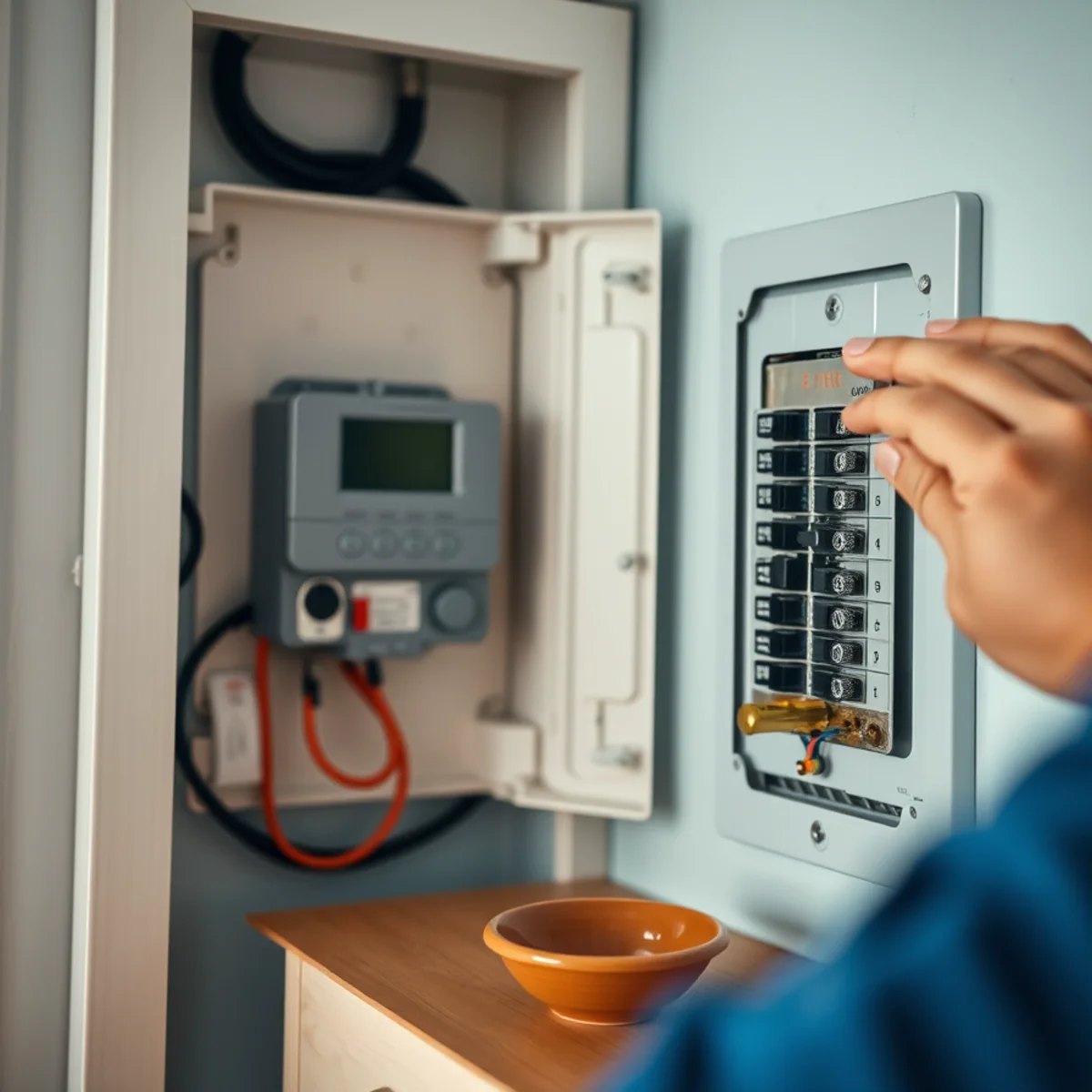
Quick Answer
Before calling for emergency HVAC repair, confirm the thermostat is set correctly and has power, reset a tripped breaker or outdoor disconnect once, check the air filter, and see whether a clogged condensate drain tripped a float switch. If these don't fix it, or you smell gas or burning, stop and call.
In this article
When the AC quits on a 95-degree July afternoon or the heat drops out during a January cold snap, your first instinct is to grab the phone — and that's fine. But before you do, there are a handful of quick, safe checks that fix a surprising number of "no-cool" and "no-heat" calls. A tripped breaker, a thermostat with dead batteries, or a clogged drain line that flipped a safety switch can all look like a dead system when the fix takes two minutes.
Here's the honest part: some problems need a tech, and a few warning signs mean you should stop touching anything and call right away. This guide walks you through what's safe to check yourself, in order, and where the line is. And if you'd rather skip straight to a person, Killian's emergency HVAC service answers around the clock here in the Glenwood area.
Stay safe first
Before any troubleshooting, safety comes ahead of comfort every time. Most checks below are low-risk, but a few situations mean you stop and call — or in some cases, leave the house first.
Stop and get help immediately if you notice any of these:
- A gas or rotten-egg smell near a furnace or anywhere in the home — leave the house, then call from outside.
- A burning, electrical, or smoldering smell that doesn't fade after the first run of the season.
- Smoke, sparks, or scorched marks at the unit, the disconnect, or the breaker panel.
- A carbon monoxide alarm sounding — get everyone out and call for help.
For everything else — the system just won't turn on, won't cool, or won't heat — it's safe to run through the steps below. Keep your hands away from the spinning fan on the outdoor unit, don't pull electrical covers, and don't pour water into anything electrical. If a step ever feels beyond you, that's exactly what we're here for.
Check the thermostat
It sounds almost too simple, but the thermostat is behind more "emergency" calls than you'd think. Start here.
- Confirm the mode and setpoint. Make sure it's set to COOL (and below room temperature) or HEAT (and above it). A bumped switch or a kid changing the mode happens more than people admit.
- Check the power. If the screen is blank, replace the batteries. Many thermostats run on AA or AAA batteries, and a dead set can shut the whole system down.
- Set the fan to AUTO. If the fan is set to ON but nothing else runs, you may just be hearing the blower while the actual heating or cooling is off.
- Give it a few minutes. After a power blip — common in our wet, stormy weather — some systems have a built-in delay before the compressor restarts. Don't assume it's dead in the first 60 seconds.
If the thermostat is set right, powered, and the system still won't respond, move on to the breakers.
Check breakers and the outdoor disconnect
A no-cool or no-heat call is often nothing more than a tripped breaker. Your system usually has two electrical sources: the breakers in your main panel and a disconnect box near the outdoor unit.
- Find the breakers labeled for the air handler/furnace and the outdoor unit. A tripped breaker often sits halfway between ON and OFF. To reset it, push it firmly to OFF, then back to ON.
- Check the outdoor disconnect — the small box mounted on the wall near the condenser. Make sure it's fully seated and switched on.
- Reset only once. If the breaker trips again right away, stop. A breaker that won't hold is doing its job — it's protecting you from a real electrical fault. Flipping it over and over can damage the system or create a fire risk.
That last point matters. Repeatedly resetting a breaker that keeps tripping is one of the few homeowner habits that can turn a manageable repair into an expensive one.
Tried the basics and still down? Call or text Brooks at (327) 210-5999 — Killian's is open 24 hours with 24/7 emergency service across Glenwood and Pike County. We answer the phone, even at 2 a.m.
Check the air filter
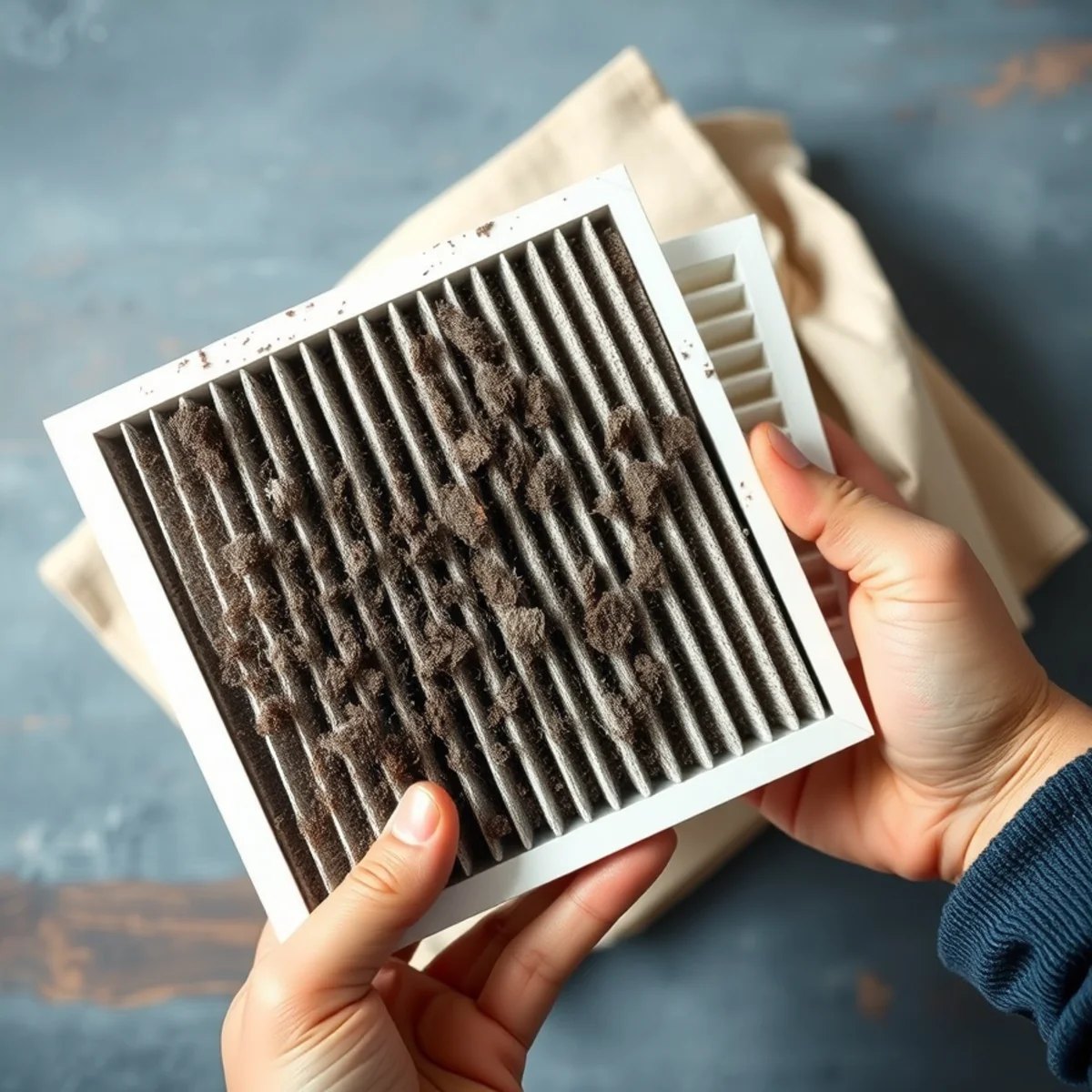
A severely clogged filter is one of the most common reasons a system seems to quit — especially during our long pollen season from mid-February through May, when filters load up fast with oak, hickory, and cedar pollen.
When the filter is choked, airflow drops to a trickle. In summer, the evaporator coil can freeze into a block of ice, and the system stops cooling. In winter, a furnace can overheat and shut itself off on its safety limit.
- Pull the filter and hold it up to the light. If you can't see through it, it's overdue.
- Replace it with the correct size — the dimensions are printed on the frame.
- If the coil is already frozen, swapping the filter alone won't bring cooling back instantly. Turn the system to OFF (or run the fan only) and let the ice melt fully, which can take a few hours, before restarting.
A clean filter is cheap insurance. If you're forgetting them, that's worth fixing — a clogged filter quietly drives a lot of the no-cool calls we get in a Glenwood summer.
Check the drain pan / float switch
This one trips up a lot of homeowners, and it's especially common here. Your AC pulls a remarkable amount of moisture out of the air during our humid summers, and all that condensate has to drain away. When the drain line clogs — algae, dust, the slow gunk that builds up in a wet climate — the water backs up.
To protect your home from water damage, many systems have a float switch or high-level safety switch that shuts the unit off the moment the drain pan fills. The result looks alarming: the AC is just... off. But it's working exactly as designed.
- Look at the indoor unit's drain pan. If it's holding water, the drain is likely clogged and the switch has tripped.
- A wet-dry vacuum on the outdoor end of the condensate line can sometimes pull the clog free and let the water drain.
- Once the pan empties, the float switch usually resets and the system runs again.
Even when you get it running, the drain line still needs proper attention so it doesn't clog again next week. Clearing condensate drains and installing safety switches is routine work for us. If you'd rather not crawl after it, our HVAC repair team handles it regularly.
Look (and listen) at the outdoor unit
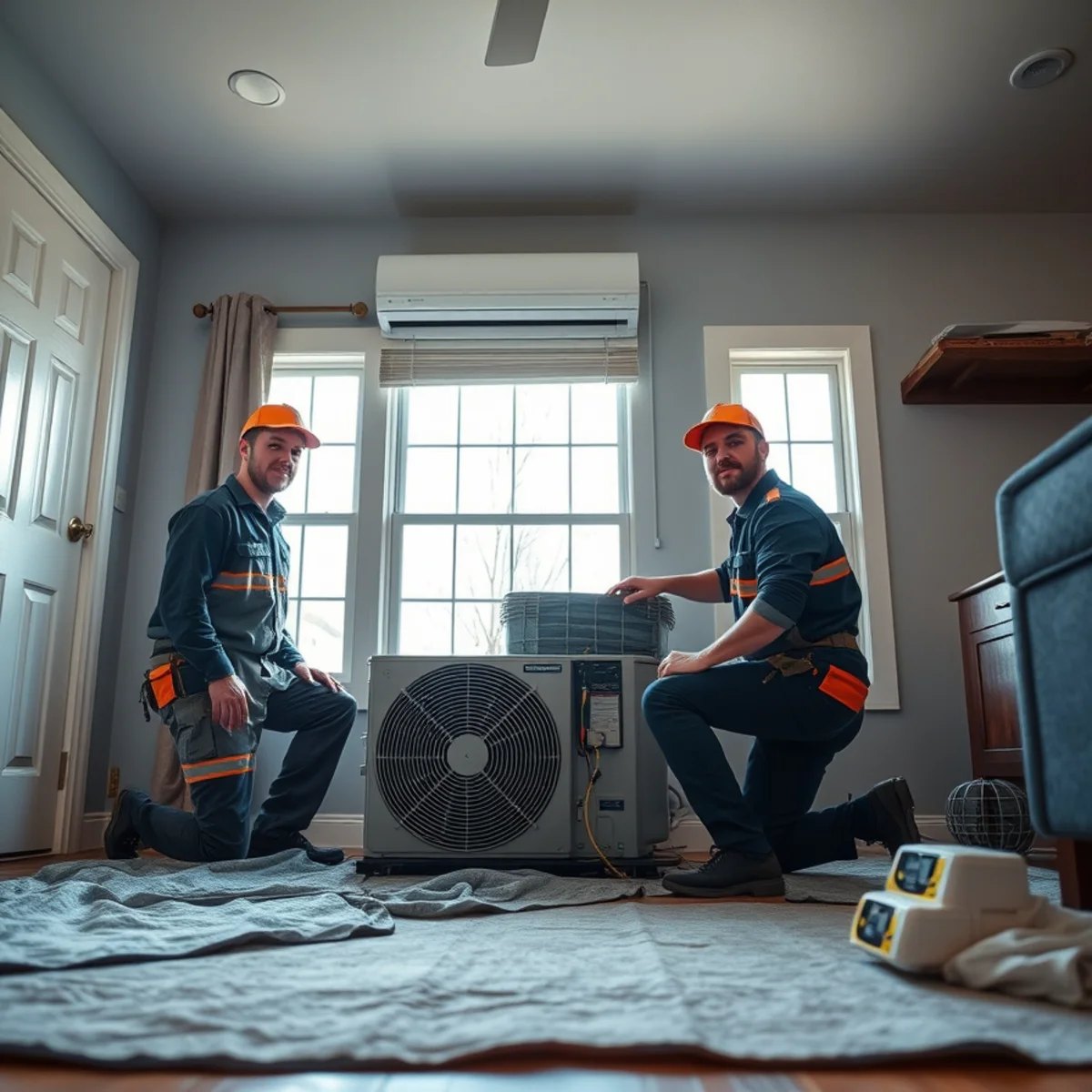
Head outside to the condenser and use your eyes and ears — from a safe distance.
- Clear the area. Leaves, grass clippings, cottonwood fluff, or a trash bag blown against the unit can choke airflow. Keep at least a couple of feet clear all around.
- Is the fan spinning? With the system calling for cooling, the top fan should be turning. If you hear a hum but the fan isn't moving, shut the system off — that often points to a failed capacitor or motor, and running it that way can cause more damage.
- Listen for trouble. Loud buzzing, grinding, or rapid clicking are signs to stop and call rather than keep trying.
- In winter, a thin layer of frost on a heat pump is normal. A solid block of ice covering the whole coil is not — that's a sign something needs a look.
Never stick a hand, a stick, or a hose into a running outdoor unit. If the fan won't turn or you hear anything that sounds expensive, that's your cue to stop.
When it's time to stop and call
You've earned the right to call for help when:
- The breaker trips again the moment you reset it.
- You smell gas, burning, or anything electrical.
- The outdoor fan hums but won't spin.
- The system runs for a minute, then shuts off — over and over.
- It's brutally hot or cold and you've checked the basics with no luck.
The biggest mistake we see is repeatedly restarting a system that keeps stopping. Each forced restart can stress the compressor — the most expensive part in the whole system. If it won't stay running, leave it off and let us diagnose it. A quick call almost always costs less than a damaged compressor.
If you're weighing whether the repair is even worth it on an older unit, that's a fair question too — and one we'll answer honestly when we're out there, the same way we serve homeowners across Glenwood.
What "24/7" really means at Killian's
Plenty of companies say they offer emergency service. Here, it means what it says. Killian's is open 24 hours, with genuine 24/7 emergency service — and Brooks Killian, the owner, is known for answering the phone himself and responding fast, whether it's an early morning, a holiday weekend, or the middle of the night.
That's the advantage of a local, family-owned shop with more than 32 years in Pike County: you're not waiting on a dispatch center in Hot Springs or Little Rock to route a truck your way. You're calling neighbors who know these older frame homes, these crawlspaces, and what our humid summers and cold snaps do to a system.
So run the quick checks above. If they fix it, great — you saved yourself a service call. If they don't, you'll know you're past the safe DIY line, and that's exactly when to reach out.
Down and out of options? Call or text Brooks at (327) 210-5999. Killian's Heat & Air is Open 24 Hours with 24/7 emergency service across Glenwood and the Caddo River / Lake Greeson area — License #0852404. You can also request service online and we'll get back to you fast.
By the Killian's Heat & Air team
Reviewed by owner Brooks Killian, who has serviced and installed central heating and air across Glenwood and Pike County for 32+ years (Licensed AR HVAC #0852404). Meet the team.