Quick Answer
For Arkansas summers, set your thermostat in the high 70s while you're home and a few degrees higher when away. Use the AUTO fan setting to control humidity, and rely on moderate setbacks. The exact number depends on your comfort and home, but every degree higher saves energy.
In this article
If you came here for one number to set and forget, here's the honest version: a setting in the high 70s while you're home — bumped a few degrees higher when the house is empty — is a comfortable, efficient starting point for most Glenwood homes in summer. But the real answer is a little more interesting than a single digit, because in our humid subtropical climate, how you run the thermostat matters as much as the number on the screen.
Here in Pike County, summer afternoons sit in the low-to-mid 90s with dew points high enough that the air feels thick. Your air conditioner isn't just lowering the temperature — it's wringing gallons of moisture out of the air every day. Set the thermostat the right way and your home feels cool and dry without your power bill climbing. Set it wrong and you can end up cold, clammy, and spending more than you need to. Let's walk through it.
There's no single "magic number"
You'll see "78 degrees" thrown around online as the official summer setting. It's a reasonable benchmark, but it's not gospel — and treating it like a law of physics misses the point.
Comfort depends on more than the thermostat reading:
- Humidity. A house at 78 with dry air feels great. The same house at 78 with sticky, moisture-heavy air feels miserable. Our climate makes this the deciding factor.
- Your home. Insulation, windows, shade, ceiling height, and how leaky the place is all change how a given setting feels. Older lumber-mill-era frame homes around Glenwood behave very differently from a tight new build.
- Who lives there. What feels perfect to one person feels chilly or stuffy to the next.
The takeaway: start in the high 70s, then nudge it a degree at a time until your home feels right. The goal is the highest temperature that's still comfortable — every degree higher saves energy, because your system runs less.
A comfortable, efficient starting range for summer
For most Glenwood-area homes, a practical summer approach looks like this:
- While you're home and awake: somewhere in the high 70s (many folks land between 76 and 78).
- While you're sleeping: a degree or two of preference either way — some like it cooler at night, and that's fine.
- While you're away for hours: bump it up several degrees so the system coasts instead of working hard for an empty house.
The smaller the gap between your indoor setting and the brutal outdoor temperature, the less your AC has to fight — and the lower your bill. Pushing the thermostat down to 70 on a 95-degree day means your system runs nearly nonstop and still may struggle to get there.
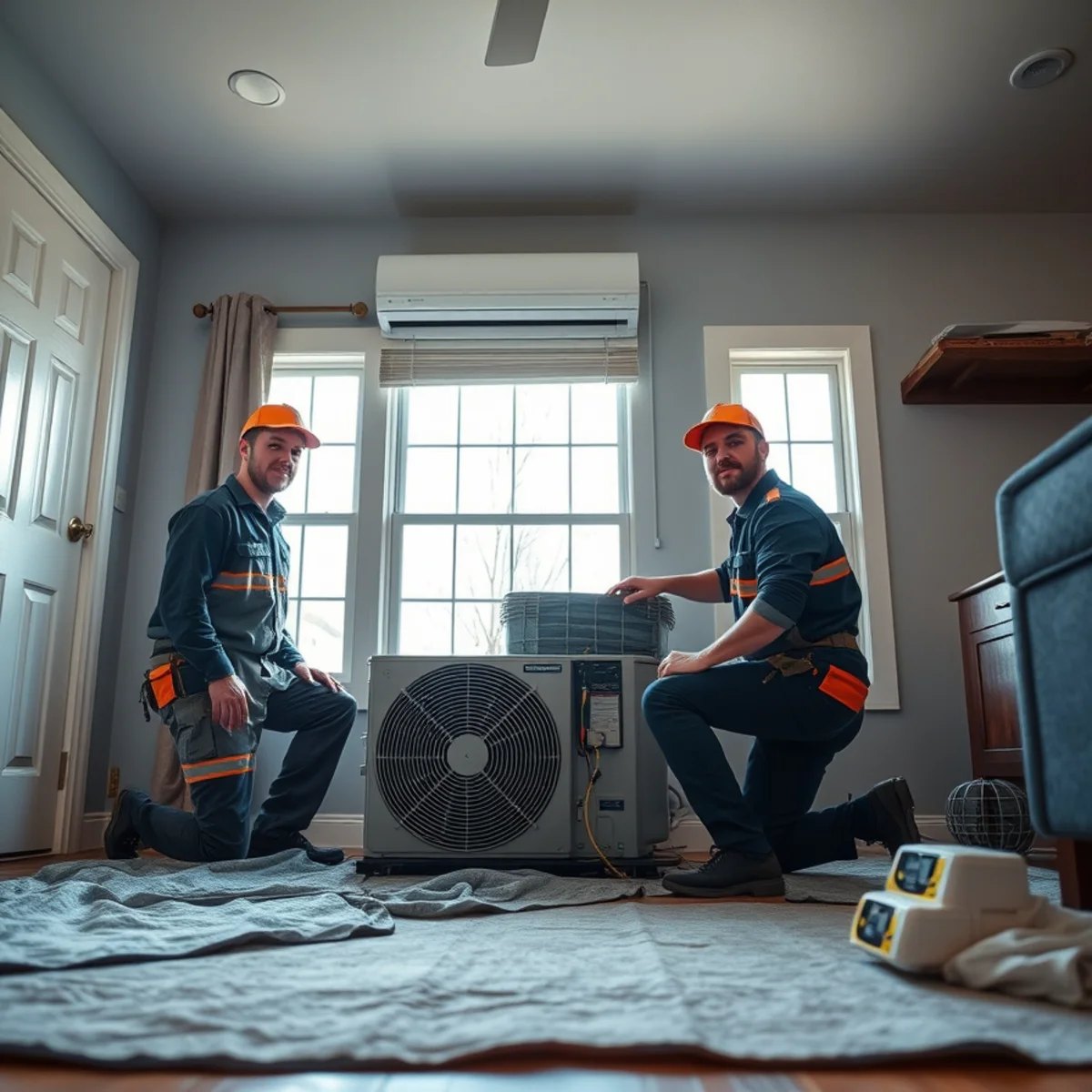
If your home can't hold a high-70s setting on a hot afternoon — if it just keeps climbing — that's usually not a thermostat problem. It points to airflow, refrigerant, a dirty coil, or a system that's overdue for a tune-up. A quick HVAC maintenance visit often restores the cooling capacity you've been missing.
Still running a mercury or builder-grade thermostat? We can upgrade it. Call or text Brooks at (327) 210-5999 — Killian's is open 24/7.
Setbacks: turning it up when you're away
A "setback" just means letting your home drift warmer when nobody's there to feel it. It's one of the easiest ways to trim a cooling bill, and it works because your AC isn't spending energy holding 76 degrees in an empty house all afternoon.
A few honest notes for our climate:
- Don't overdo the setback. In dry climates you can let a house get quite warm and recover quickly. Here, if you let the house get too hot and humid, your AC has to remove all that re-absorbed moisture when you get back — which can eat into your savings and leave the house feeling damp for a while.
- A moderate bump beats a big one. Raising the setting several degrees while you're at work or out on the lake is the sweet spot. Letting it climb 15 degrees is usually counterproductive in high humidity.
- Pre-cool before you leave, not when you return. Cranking it down the moment you walk in doesn't cool faster (more on that below). A programmable schedule that starts recovering before you get home works far better.
Folks with cabins on the Caddo River or around Lake Greeson can take this further: there's no reason to cool an empty weekend place to 74 all week. A higher hold setting, then bringing it down before you arrive, keeps the building protected from humidity without the waste.
Humidity matters as much as temperature here
This is the part most thermostat advice from up north gets wrong for Arkansas. Moisture removal is half your AC's job.
When your system runs, the cold evaporator coil pulls humidity out of the air and drains it away. That's why a properly running AC makes a room feel cool and dry. The catch: dehumidification only happens while the system is actually running. Short, frequent cooling cycles cool the air but don't run long enough to dry it out — leaving you with that cold-but-clammy feeling.
What this means for your settings:
- Don't set the temperature so low that the system satisfies it in a quick burst. Steady, longer cycles dehumidify better.
- An oversized or short-cycling system struggles here regardless of the number you pick. If your home feels sticky even when the thermostat says it's cool, the equipment — not the setting — is usually the issue.
- Some thermostats have a humidity readout or a "dry" mode. If yours does, aim to keep indoor humidity in a comfortable range, not just the temperature.
If your house is hitting its temperature but still feels muggy, that's worth a conversation. We see it constantly across Glenwood and the surrounding Pike County area, and it's almost always fixable.
Fan settings: auto vs on
Your thermostat has a fan switch with two settings, and in our humidity the choice actually matters.
- AUTO (recommended here): the blower runs only when the system is actively cooling. When the cooling cycle ends, the fan stops — and the moisture sitting on the coil drains away outside.
- ON: the blower runs continuously, even between cooling cycles. The problem? When the fan keeps blowing across a wet coil with no cooling happening, it can re-evaporate that moisture and blow it right back into your house, raising your indoor humidity.
For Arkansas summers, AUTO is almost always the better call. It keeps your home drier and your blower from running (and drawing power) around the clock. "ON" has its uses for air circulation or filtration in some homes, but for comfort and humidity control in our climate, leave it on AUTO.
Smart and programmable thermostats
A smart or programmable thermostat won't magically slash your bill — but used well, it removes the human error that costs most homeowners money.
Where they genuinely help:
- Automatic schedules. Set it once and it handles the away-bump and the before-you-get-home recovery for you, every day, without you remembering to touch it.
- Away and geofencing features. Many adjust automatically when your phone leaves the house — perfect for unpredictable schedules.
- Better humidity and staging control. Modern thermostats often manage variable-speed and heat-pump systems more intelligently than an old dial, and some monitor humidity directly.
The savings depend entirely on your habits. If you'd never bother programming a schedule, a smart thermostat that does it for you is worth a lot. If you already run disciplined setbacks by hand, the upgrade is more about convenience and humidity control. If you're still running an old mercury or basic builder-grade unit, a proper thermostat installation is one of the more affordable comfort upgrades you can make — and we'll make sure it's matched and wired correctly for your system.
Common thermostat mistakes that cost money
A few habits quietly run up bills and wear out equipment. Steer clear of these:
- Cranking it to 65 to "cool faster." Your AC cools at one speed — it doesn't go faster because you set a lower number. All you do is risk overcooling and a longer, more expensive run. Set your real target temperature and let it work.
- Big swings up and down all day. Constantly changing the setting fights the system and can hurt humidity control. Pick a comfortable setting and use modest, scheduled setbacks instead.
- Leaving the fan on "ON" in summer. As covered above, this re-humidifies your home in our climate.
- A thermostat in a bad spot. One mounted in direct sun, near a supply vent, or on an exterior wall reads the wrong temperature and cycles the system poorly. If yours is placed badly, that's worth fixing.
- Blaming the thermostat for a system problem. If you can't hold a comfortable setting, the thermostat is usually the messenger, not the culprit — airflow, refrigerant, or a tired system is the real story.
Bottom line: start in the high 70s, use AUTO for the fan, lean on moderate setbacks when you're away, and let humidity — not just temperature — guide what "comfortable" means. Do that, and you'll stay cool through the worst of an Arkansas July without dreading the power bill.
Set it right and it still won't keep up? That's a sign your system needs a look, not a lower number. Call or text Brooks at (327) 210-5999 — Killian's Heat & Air is Open 24 Hours with 24/7 emergency service, family-owned right here in Glenwood for over 32 years. Request Service and we'll get your home comfortable again.
By the Killian's Heat & Air team
Reviewed by owner Brooks Killian, who has serviced and installed central heating and air across Glenwood and Pike County for 32+ years (Licensed AR HVAC #0852404). Meet the team.